


Conference & Exhibition Centers
Every event, every room. It just works.
Flexible, reliable AV for facilities that run back-to-back events, host hybrid meetings, and need staff — not technicians — to operate the room. Designed and installed by a licensed C-10 contractor.
Built for Facilities Teams
The room divides, the schedule changes, the AV keeps up.
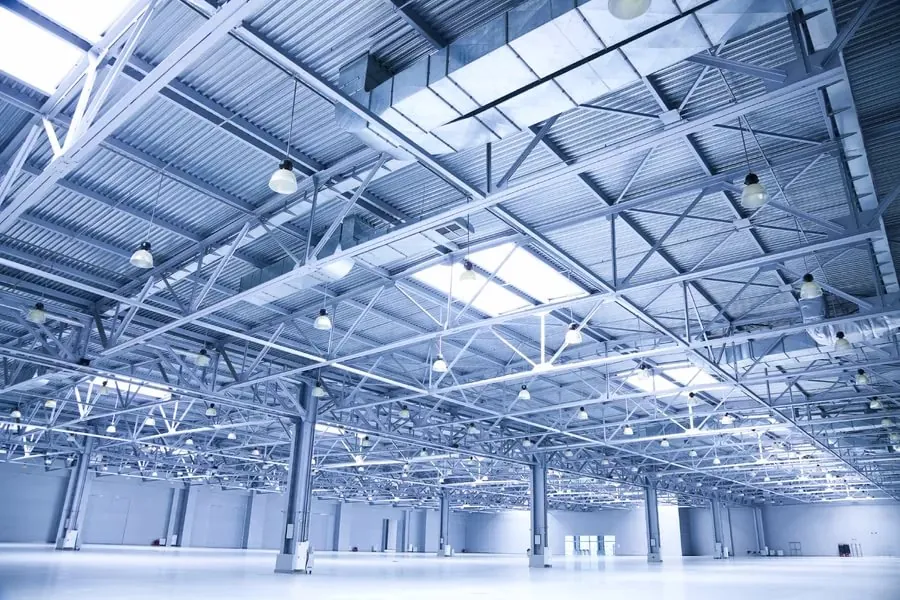
Conference and exhibition centers live on throughput: divisible ballrooms that split and combine between sessions, back-to-back events with a 30-minute turnover, hybrid attendees dialing in from three time zones, and presenters who plug in a laptop they have never connected to your system before. The AV can't be the bottleneck.
We design systems around operational reality — room configurations that switch from a wall panel, BYOD inputs that just work, video conferencing that connects without an IT call, and control interfaces simple enough that any staff member can run a reset. As a licensed C-10 contractor, we also handle the power distribution behind the racks, so there is one team responsible for the whole install.
What We Deliver
Six systems. One operator. Zero guesswork.
Divisible-Room Audio & Combine/Divide
DSP matrix routing that splits or bridges audio zones when the partition moves. Each half operates independently or merges into one unified mix — triggered automatically or from a wall panel.
Displays, Projection & Digital Signage
Flat-panel arrays, laser projectors, and room-entry screens scaled to the space. Between events, the same displays carry wayfinding and event schedules from a central CMS.
Hybrid Meeting & Video Conferencing
Standards-based room systems certified for Zoom, Teams, Webex, and Google Meet. Remote attendees see and hear the room clearly; in-room attendees see remote participants at human scale.
Presentation Switching & BYOD
Wireless presentation and HDMI/USB-C inputs at the table and podium so any laptop joins the room instantly — no dongles hunted, no IT call required.
Recording & Live Streaming
Integrated recording to local storage or cloud, and live-stream outputs for hybrid overflow rooms or external audiences — scoped from the signal chain, not bolted on after the fact.
One-Touch Room Control
Touchscreen or button-panel presets that let staff configure the room, combine partitions, launch a call, or reset to default — without touching a single rack unit.
A conference center's AV isn't a performance system. It's infrastructure. It has to be reliable every single day.
YKCA designs for uptime and staff independence — standardized room kits, remote monitoring, and control interfaces that don't require a technician on-site for every event. From a single boardroom to a 40-room convention facility, the system is engineered to run without us in the room.
Audio, video, control, and power — one licensed C-10 team from first drawing to final commissioning.
FAQ
Questions from facilities and operations managers.
Related Services
Explore the systems behind the room.
Plan Your Facility AV
Tell us about the rooms. We'll design a system your staff can run.
From a single conference room to a full exhibition-center fit-out — we scope the AV, the control, and the power as one project.