
Smart Locks & Cameras
Lock the door, watch the porch, own the footage.
Smart deadbolts, video doorbells, PoE cameras and local NVRs. Schlage, Yale, August, Ring, Google Nest, UniFi Protect, Reolink. Cabling and transformer work by the same C-10 crew that installs the gear — no two-vendor finger-pointing.
What This Is
Security that survives a Wi-Fi outage.
A cloud-only camera system that loses its footage when your internet drops is not security — it is a subscription. We design for local-first: PoE cameras to a local NVR (UniFi Protect, Reolink, Frigate) recording on-premises, with cloud as optional backup. Smart locks stay programmed in the lock itself, not on a server you cannot reach.
Doorbells are the exception — Ring Pro 2 and Google Nest Doorbell are good products, and they live in the cloud by design. We install them honestly: with the transformer upgraded to 16VAC / 10VA, the chime box wired correctly, and an upfront written summary of subscription costs over five years so there are no surprises.
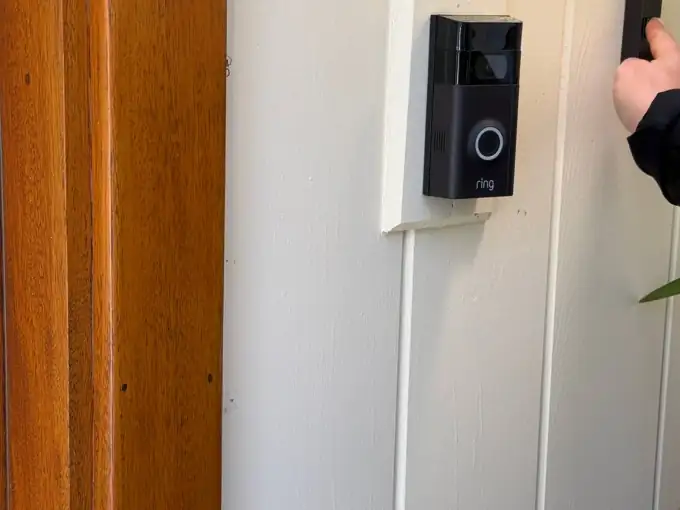
Ring Pro 2 — real YKCA install with upgraded transformer.
Scope
What is included in a locks & cameras install.
Hardware, cabling, NVR, integrations and access management — single bid, single accountable contractor.
Smart Lock Install
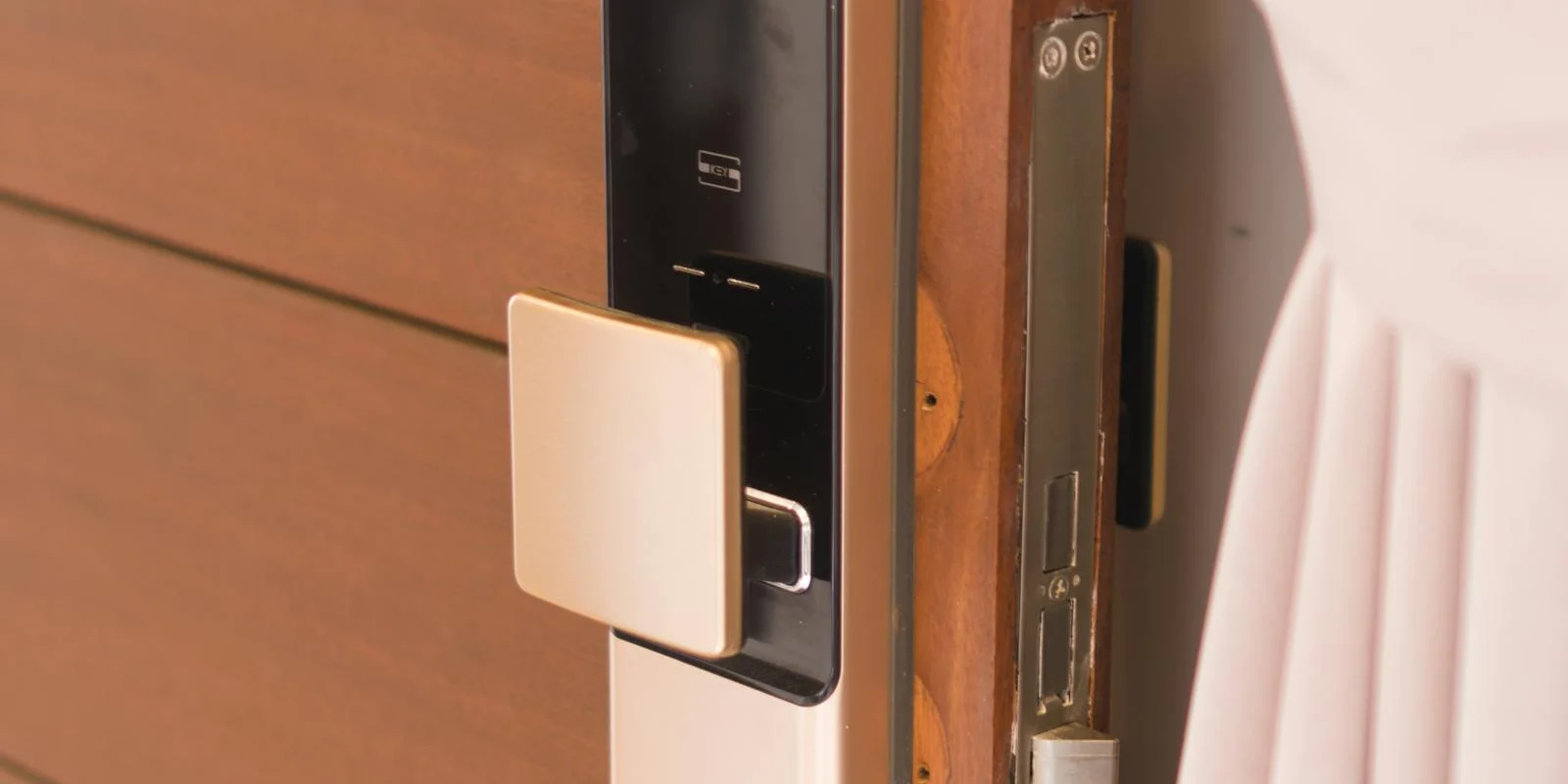
Full deadbolt replacement (Schlage Encode, Yale Assure 2, August Pro 4th Gen, Kwikset Halo) or interior retrofit (August Smart Lock, Level Bolt). Door alignment and strike adjustment included.
PoE Camera Cabling
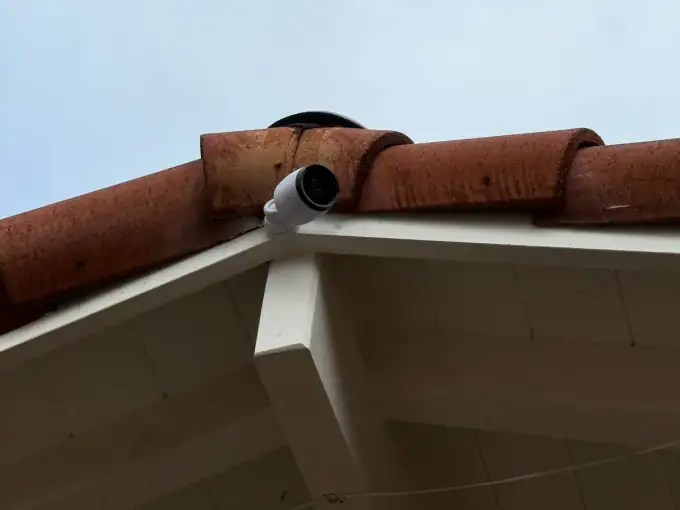
Cat6 / Cat6A drops from each camera location back to a central PoE switch. Outdoor runs in UV-rated conduit. Camera positioning per coverage map agreed with homeowner.
NVR & Local Storage
UniFi Protect Cloud Key + NVR, Reolink NVR, Synology Surveillance Station, or Home Assistant Frigate. Storage sized to retention (7 / 30 / 90 day options).
Doorbell + Transformer Upgrade
Ring or Google Nest doorbell, with chime-box transformer upgrade to 16VAC / 10VA when existing supply is undervoltage.
Access Sharing & Codes
Per-user codes for cleaners, dog walkers, family. Auto-lock schedules, geofence unlock, vacation mode. Audit log accessible from owner phone.
Integration with Automation
"Goodbye" routine arms cameras + locks the door + sets thermostat back. "Welcome" disarms, unlocks via geofence, kicks the lights on.
Equipment We Install
Real brands, honestly compared.
Subscription camera systems and local-NVR camera systems both have their place. We will install the brand you ask for; we will also tell you when a different choice fits your priorities (privacy, cost, reliability, AI features) better.
Schlage Encode
Smart deadbolt, Wi-Fi, keypad
Yale Assure Lock 2
Smart deadbolt, Matter / Wi-Fi options
August Smart Lock 4th Gen
Interior retrofit, Wi-Fi via bridge
Ring Video Doorbell Pro 2
Hardwired, head-to-toe HDR, radar motion
Google Nest Doorbell (wired)
Hardwired, 24/7 with Nest Aware Plus
UniFi Protect G5 cameras + NVR
PoE, local NVR, no subscription
Reolink RLC-820A / RLC-1212A
PoE 4K + person detection, local NVR
Home Assistant Frigate
Self-hosted, local AI object detection
FAQ
Locks & cameras questions, straight answers.
Ready to walk the perimeter?
Plan the coverage map together.
$200 on-site walk-through. Camera positions, cable routing, NVR sizing, lock list, fixed quote within 5 business days — applied to project total if you proceed.