



Networking & Wi-Fi Mesh
Wi-Fi that holds up on the call that matters.
Cat6 / Cat6A structured cabling, ceiling-mount access points with hardwired backhaul, switch closets with cable management, UPS for power events. UniFi, Eero, Orbi — installed the way each platform actually deserves.
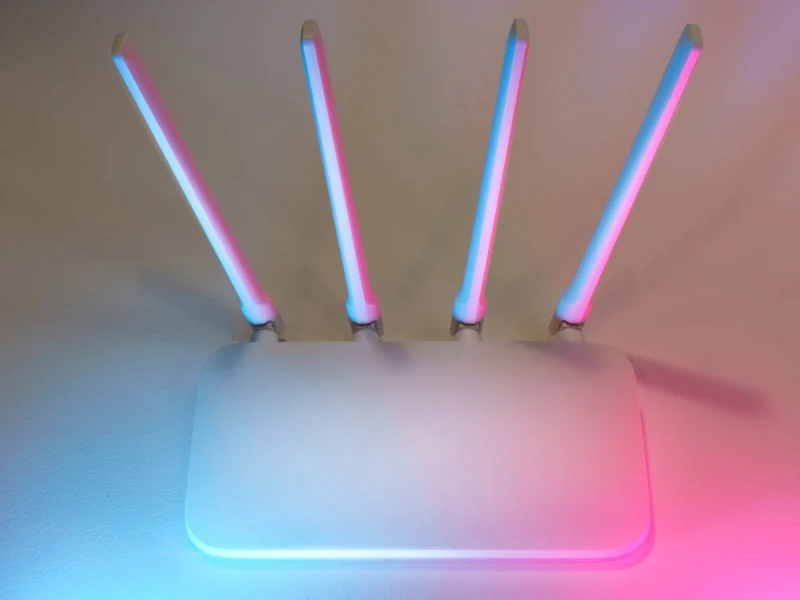
What This Is
Wired backbone, Wi-Fi where it makes sense.
Every "the Wi-Fi is bad" call we get is one of three things: AP placed inside the wrong wall, mesh node wireless-backhauled across too much drywall, or 5 GHz radio fighting microwave-oven and baby-monitor noise. Real fix is structured cabling — pull Cat6A to the AP locations, hardwire-backhaul each AP, and let Wi-Fi do what it is actually good at (mobile devices, not 4K Plex streams).
Bay Area homes are unusually dense with smart-home devices, security cameras, video-call workstations, and PoE cameras — Wi-Fi-only architectures buckle under that load fast. We design wired-first, with mesh wireless for the gaps. Cat6A for new pulls, Cat6 for retrofits where 1 Gbps is the realistic ceiling.
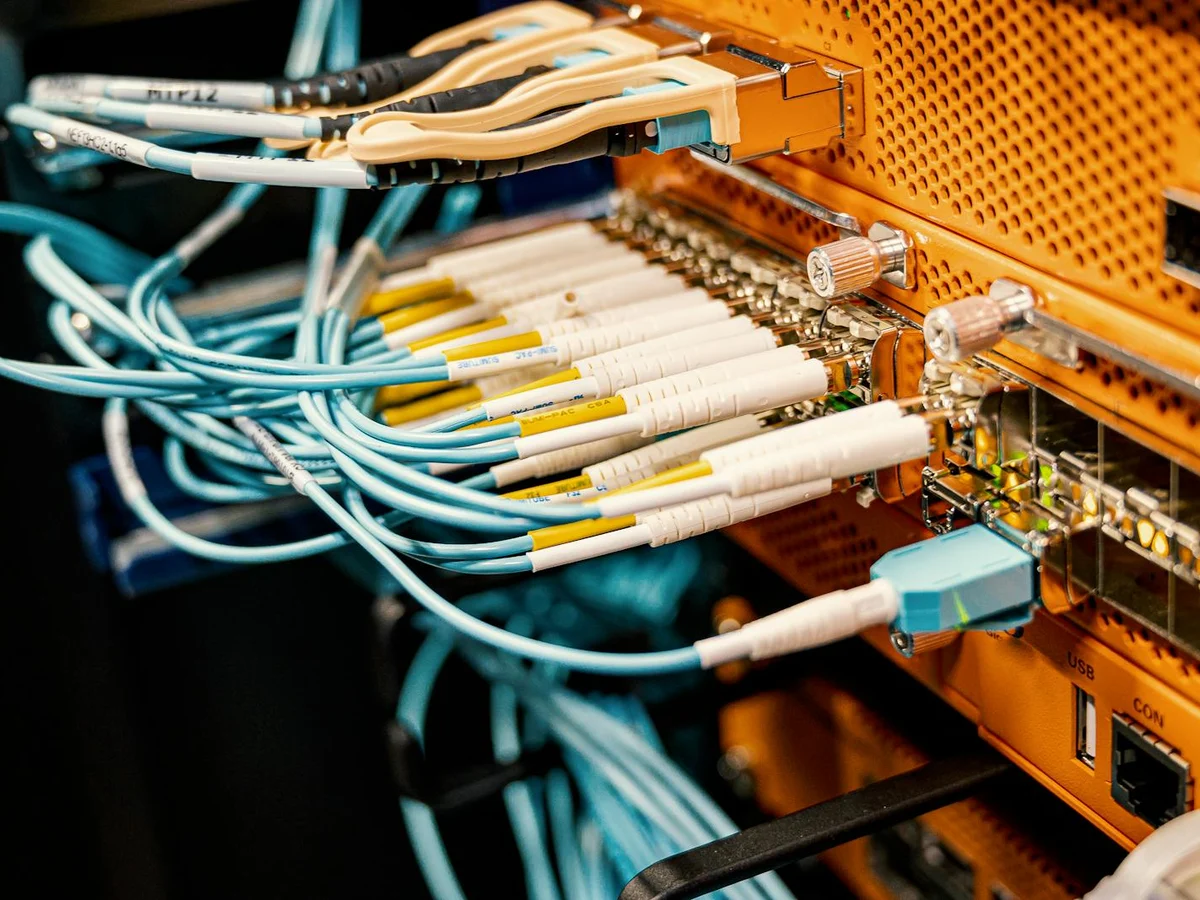
Terminated patch panel — the part the homeowner never sees.
Scope
What is included in a networking install.
Cabling, access points, switch closet, router, UPS and segmentation — single accountable contractor.
Cat6 / Cat6A Drops
Plenum or riser-rated cable pulled through wall, ceiling, attic and crawlspace. Outlet locations per use case map. Both ends terminated and tested with a cable certifier.
Access Point Placement
Site survey with Wi-Fi analyzer first. Ceiling-mount or wall-mount APs per Wi-Fi heatmap. Hardwired backhaul wherever practical.
Switch & Patch Panel
PoE-capable switch sized to drops + cameras + APs (typical: 16 or 24 port). 12-24 port patch panel. Cable management, port labels, switch port labels.
Router / Gateway
UniFi Dream Machine Pro, Eero Pro 6E / Max 7, Netgear Orbi Pro, or pfSense / OPNsense for self-hosted firewall. ISP modem coordination.
UPS + Power Resilience
CyberPower / APC UPS sized for 30-60 min of router + switch + NVR runtime. Outlet wiring at the rack, not relying on extension cords.
VLAN & Guest Segmentation
Optional but recommended for IoT-heavy households: separate VLAN for cameras / smart-home devices, isolated guest network, firewall rules between zones.
Equipment We Install
UniFi, Eero, Orbi — honestly compared.
UniFi for households that want dashboards and VLAN segmentation; Eero / Orbi for households that want phone-only setup. We will deploy whichever your priorities match — and tell you when the "easy" choice is the wrong one for the building.
UniFi Dream Machine Pro
Router + controller + 8-port switch in 1U
UniFi U6 / U7 Pro Access Points
Ceiling-mount, Wi-Fi 6 / 6E / 7
Eero Pro 6E / Eero Max 7
Tri-band / quad-band mesh, easy setup
Netgear Orbi RBKE963 / RBE973
Tri-band / quad-band high-power mesh
UniFi USW Pro 24 PoE
24-port managed PoE+ switch for racks
CyberPower / APC UPS 1500VA
Sine-wave UPS for sensitive electronics
FAQ
Networking questions, straight answers.
Ready to fix the Wi-Fi?
Site survey + scope visit.
$200 on-site walk-through with Wi-Fi analyzer. Drop count, AP placement, switch sizing, fixed quote within 5 business days — applied to project total if you proceed.