




Residential
Understanding Your PG&E Bill: Peak Hours and How to Save
Published March 30, 2026 · 8 min read
If you have ever looked at your PG&E bill and wondered why it seems so high despite your best efforts to conserve energy, the answer is probably timing. PG&E charges Bay Area residential customers different rates depending on when they use electricity — a system called time-of-use (TOU) pricing. The electricity you consume at 5 PM on a Tuesday costs nearly three times more than the same amount used at midnight. Understanding these rate structures and shifting your heaviest electrical loads to cheaper hours is one of the most effective ways to reduce your monthly bill without changing your lifestyle.
How Time-of-Use Rates Work
Time-of-use pricing reflects the real cost of generating and delivering electricity at different times of day. During peak demand hours — typically late afternoon and early evening when everyone arrives home, turns on air conditioning, starts cooking, and charges devices — PG&E must activate its most expensive power plants and purchase energy from the wholesale market at premium prices. During off-peak hours, cheaper baseload generation meets demand at lower cost. TOU rates pass these cost differences to consumers, creating a financial incentive to shift usage away from peak periods.
All PG&E residential customers are automatically enrolled in a TOU rate plan. If you have never actively chosen a plan, you are likely on E-TOU-C, the default residential time-of-use schedule. However, PG&E offers several alternative plans that may save you money depending on your usage patterns — especially if you own an EV or have solar panels.
PG&E's Residential TOU Rate Plans
Here are the three most relevant TOU plans for Bay Area homeowners. PG&E adjusts rates frequently and a Base Services Charge restructuring took effect in March 2026 — verify the latest rates at pge.com/tariffs before making decisions. The rate ranges below are illustrative for 2026 and will shift with each PG&E filing:
E-TOU-C (Default Residential): This is PG&E's standard plan for most households. It divides the day into two periods:
- Peak: 4:00 PM to 9:00 PM, every day including weekends.
- Off-Peak: All other hours.
Peak rates on E-TOU-C generally run roughly 30-40% higher than off-peak rates.
E-TOU-D (Two-Period with Lower Off-Peak): This plan offers a wider spread between peak and off-peak rates, rewarding homeowners who can aggressively shift usage away from peak hours:
- Peak: 5:00 PM to 8:00 PM, weekdays.
- Off-Peak: All other hours.
E-TOU-D's peak window is shorter (3 hours versus 5 hours on E-TOU-C), and the off-peak rate is lower. If you can avoid heavy electricity use between 5 PM and 8 PM on weekdays, this plan often produces lower bills than the default.
EV2-A (Electric Vehicle Rate): Designed for households with electric vehicles, this plan has three time periods with the lowest rate during the long midday/overnight off-peak window:
- Peak: 4:00 PM to 9:00 PM, every day. Highest rate.
- Partial-Peak: 3:00 PM to 4:00 PM and 9:00 PM to midnight. Mid-tier rate.
- Off-Peak: Midnight to 3:00 PM, every day. Lowest rate.
The off-peak rate on EV2-A is dramatically lower than the peak rate. For EV owners charging overnight, this plan can save significant amounts compared to charging at peak rates on the default residential plan. You do not need to own an EV to enroll in EV2-A — any PG&E residential customer can select this plan — but it benefits households with significant overnight or midday electricity use.
Real Dollar Examples: The Cost of Timing
Let's look at how timing affects real costs for common household activities. The dollar figures below are illustrative — they assume current 2026 rate spreads and will shift as PG&E adjusts tariffs. Use them as a directional guide, not a guaranteed quote:
- Charging an EV (60 kWh battery, 10% to 90%): Charging on EV2-A's overnight off-peak window costs roughly half (or less) of charging during the 4-9 PM peak. For a driver charging three times a week, that typically translates to hundreds of dollars per year in avoided costs.
- Running a clothes dryer (5 kWh per load, 4 loads per week): Shifting from peak to off-peak typically saves $4-$6 per month — modest, but consistent.
- Pool pump (1.5 HP, running 8 hours daily): Pool pumps are one of the largest discretionary loads in a home. Moving the run cycle from peak to overnight off-peak commonly saves $50-$100 per month on EV2-A, depending on motor size and run time.
- Electric water heater (4,500 watts, 3 hours daily): A timer that pushes recovery to off-peak hours typically saves $30-$50 per month versus peak operation.
Households with multiple large loads — EV, pool pump, electric water heater, regular laundry — that aggressively shift usage to off-peak hours often report annual savings in the low thousands without reducing total kWh. Your actual savings depend on your specific usage, rate plan, and current tariffs. Run the comparison in your PG&E online account to get an apples-to-apples estimate for your household.
Strategies to Save on Your PG&E Bill
Here are the most effective strategies for Bay Area homeowners to take advantage of TOU pricing:
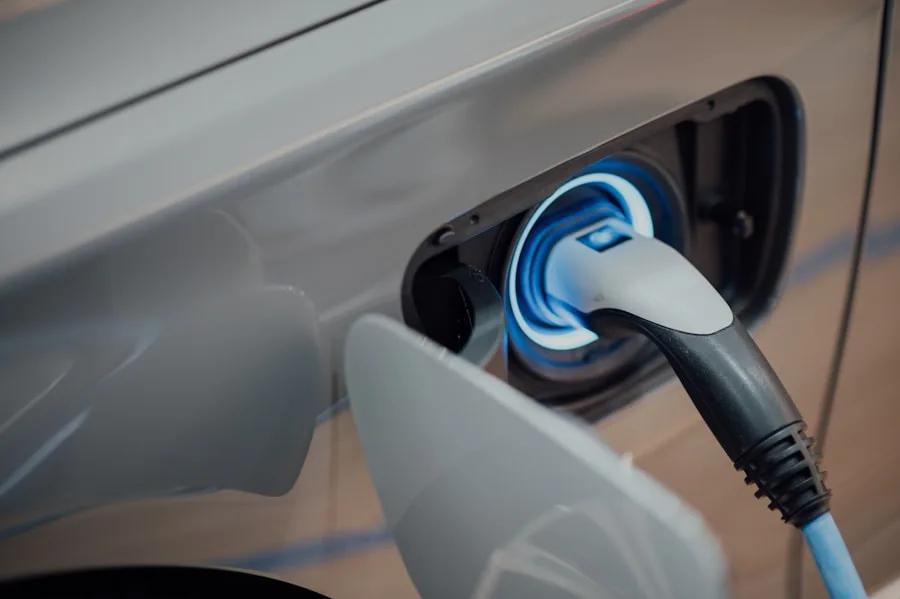
1. Schedule your EV charger. This is the single biggest opportunity for EV owners. Every Level 2 home charger — whether it is a Tesla Wall Connector, ChargePoint, or JuiceBox — supports scheduled charging. Set it to start at midnight and finish by morning. On EV2-A, this alone often saves a noticeable amount each month compared to plugging in when you arrive home at 6 PM, since you're shifting from the peak rate to the lowest off-peak rate of the day.
2. Shift heavy appliance use. Run your dishwasher, clothes washer, and dryer after 9 PM. Most modern dishwashers have delay-start timers. If yours does not, simply load it after dinner and press start before bed. The same applies to laundry — wash and dry after peak hours.
3. Put your pool pump on a timer. Pool pumps are one of the largest electrical loads in a home, running 6 to 12 hours per day. A simple timer that shifts the run cycle to overnight hours can save over $1,000 annually. Variable-speed pumps offer additional savings by running at lower speeds for longer periods during off-peak hours.
4. Pre-cool your home. If you have central air conditioning, set your thermostat to pre-cool your home to 70-72 degrees by 3:30 PM, then raise the set point to 76-78 degrees during peak hours. The thermal mass of your home will maintain comfortable temperatures for several hours without the AC running at peak rates.
5. Consider battery storage. A home battery system like the Tesla Powerwall or Enphase IQ stores electricity during cheap off-peak hours (or from your solar panels during the day) and discharges it during expensive peak hours. A modern 13.5 kWh battery can offset much of a typical household's peak usage, effectively shifting peak-window purchases to off-peak rates. Note that the federal 30% residential clean energy credit (Section 25D) was terminated for systems placed in service after December 31, 2025, so for new owner-purchased installations in 2026 the federal credit is no longer available — though leased and PPA systems may still qualify under separate commercial provisions, and California's SGIP storage rebate continues for eligible customers. Payback now depends primarily on your peak usage, rate plan, and whether you pair with solar.
6. Use smart home scheduling. Smart plugs, smart thermostats, and home automation platforms like Apple HomeKit or Google Home can automatically shift device schedules based on TOU periods. Set your smart plugs to power off energy-hungry devices during peak hours. Program your smart thermostat to follow a pre-cool/coast schedule that aligns with rate periods.
NEM 3.0 and Solar Customers
If you have solar panels installed after April 2023, you are on California's Net Billing Tariff (commonly called NEM 3.0). Under NEM 3.0, the value of the solar energy you export to the grid is based on the avoided cost of generation at the time of export — which varies by hour and is significantly lower than what you pay to buy electricity from PG&E. The average export value under NEM 3.0 is approximately $0.05 to $0.08 per kWh, compared to $0.22 to $0.36 per kWh under the previous NEM 2.0 program.
This means the financial incentive for solar customers has shifted dramatically toward self-consumption and battery storage. Exporting solar energy during the day earns very little. But using that solar energy to charge a battery during the day and then discharging the battery during peak hours — when grid electricity costs $0.55 or more per kWh — creates substantial savings. For NEM 3.0 solar customers, a battery system is no longer a nice-to-have; it is essential to achieving a reasonable payback period on your solar investment.
How to Check and Change Your Rate Plan
You can view your current rate plan and compare alternatives through your PG&E online account at pge.com. Navigate to "Your Account" and then "Rate Plan Options" to see a comparison of how much you would have paid on each available plan based on your actual usage history from the past 12 months. PG&E allows you to switch rate plans once every 12 months with no penalty.
If you have questions about which rate plan is best for your household — especially if you are considering adding an EV charger, battery storage, or solar panels — YKCA Electric can help. We analyze your electrical usage patterns, evaluate your home's infrastructure, and recommend the combination of rate plan, equipment, and scheduling strategies that will maximize your savings. Understanding your PG&E bill is the first step. Taking action is what actually lowers it.
← Back to News & TipsNeed Professional Help?